Imagine someone is scrolling through what looks like a fun online quiz. "Click here to see your result!" they click the button. Nothing visibly happens, so they click again, a little harder this time.
What they don't realize is that the quiz page has an invisible, transparent copy of a completely different website sitting on top of it — say, their social media account settings. Their "click" didn't land on the quiz at all. It landed on a hidden button underneath, silently changing something on their real account, without them ever seeing it happen.
This trick is called clickjacking, and it's exactly what a setting called X-Frame-Options was created to stop.
Let's understand what it really means.
What is X-Frame-Options?
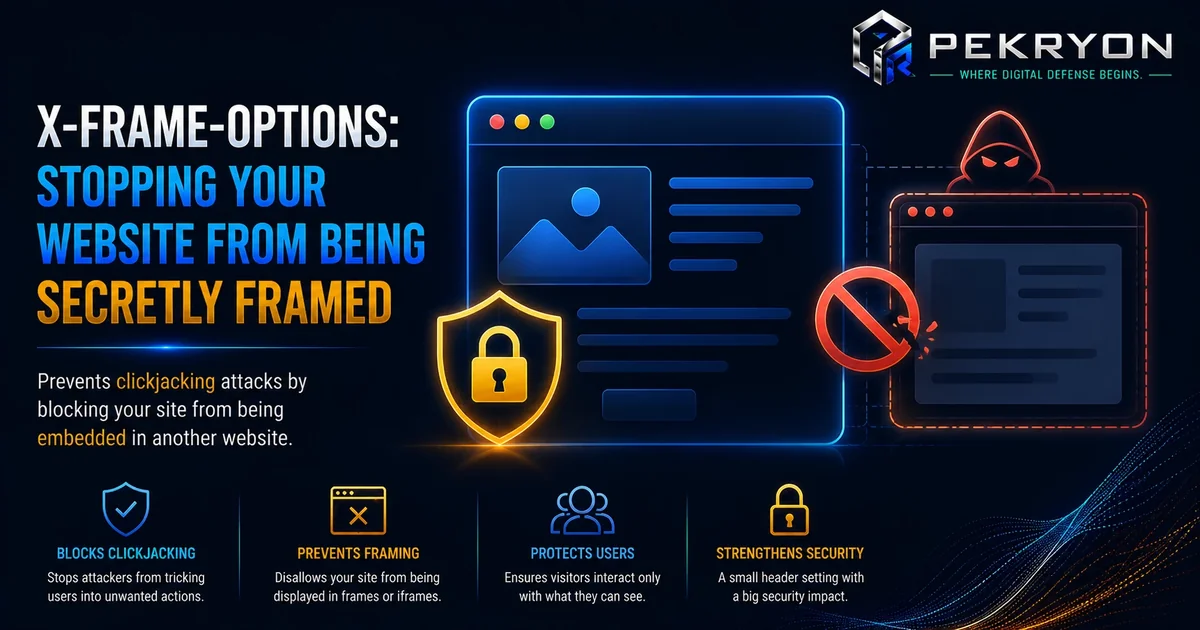
X-Frame-Options is an instruction a website gives to your browser, telling it whether the website is allowed to be displayed inside a frame on another website.
A frame (technically called an "iframe") is a way of embedding one website inside another, like a window within a window. Frames have plenty of legitimate uses — embedding a YouTube video or a map on a page, for example, uses a frame.
But frames can also be misused. Someone can create a malicious webpage, load a legitimate website (like a banking site or social media page) into an invisible frame on top of it, and then trick visitors into clicking on things without realizing what they're actually clicking on. X-Frame-Options lets a website say: "Do not allow me to be loaded inside a frame on someone else's page," closing off this trick entirely.
Why should you care?
Clickjacking relies on visual deception. The attacker's page might show something harmless-looking — a game, a "claim your prize" button, or a video player — while secretly stacking an invisible copy of a real website underneath it, positioned so that your genuine clicks land on hidden buttons like "confirm transfer," "delete account," or "accept follow request."
Without X-Frame-Options, any website can be loaded inside a frame on any other website, with no restrictions. This means a malicious page could embed your bank's login page, your email account, or even a company's admin panel — invisibly — and trick you into interacting with it without your knowledge.
Where do you see it in daily life?
Like most security headers, X-Frame-Options works silently, but it matters especially when you:
- Log into any account — banking, email, social media, or shopping
- Click buttons on unfamiliar or newly discovered websites
- Interact with pages that promise prizes, quizzes, or "one-click" actions
- Use any site where a single click could trigger an action, like a purchase, a follow, or a settings change
Well-secured websites, especially anything involving logins or sensitive actions, generally use this protection so they cannot be secretly embedded elsewhere.
How does it work?
A website sends X-Frame-Options as a special instruction, called a header, along with its webpage. This header tells the browser one of a few things:
- Do not allow this page to be framed anywhere, by anyone (the strictest option)
- Only allow this page to be framed by pages on the same website (a middle-ground option)
When your browser tries to load a page inside a frame, it checks this instruction first. If the instruction says framing isn't allowed, the browser simply refuses to display that content inside the frame — the attacker's page ends up with a blank space instead of the hidden, real website.
Common examples
You'll typically find X-Frame-Options protection active on:
- Banking and financial websites
- Email login pages
- Social media login and account pages
- Any website with forms that trigger real actions, like payments or account changes
Benefits
- Blocks clickjacking attempts — prevents a website from being secretly embedded elsewhere
- Protects sensitive actions — logins, payments, and account changes stay safe from invisible manipulation
- Simple to configure — usually a single line of settings for most websites
- Works invisibly — normal visitors never notice it, since it only affects unauthorized framing attempts
Risks or limitations
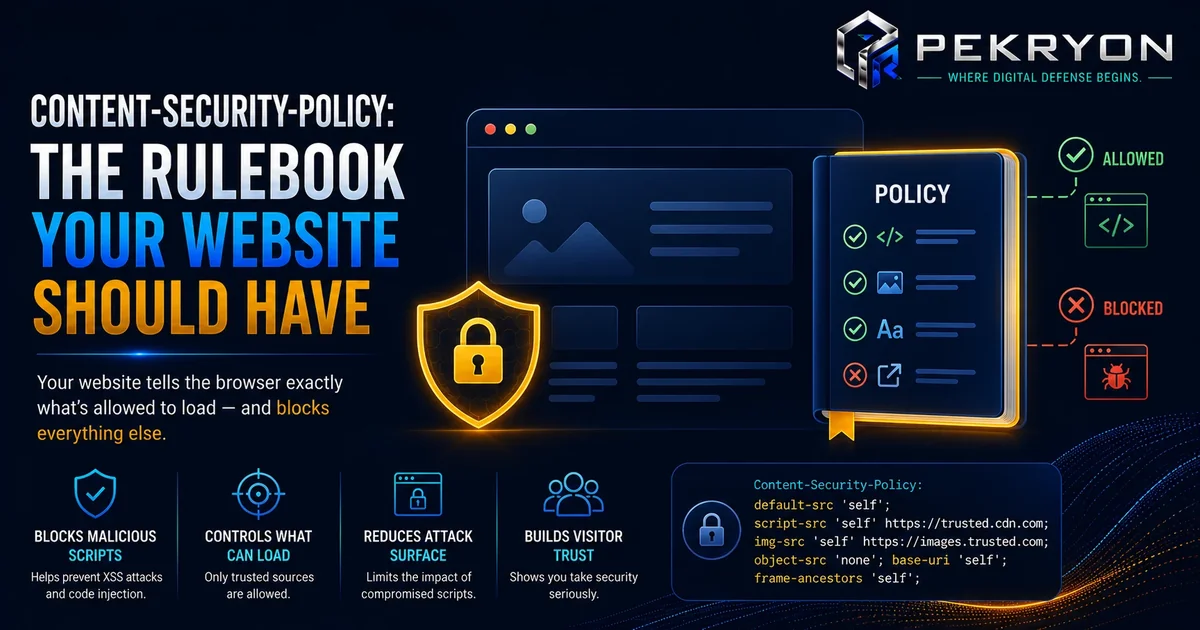
Here's a nuance worth knowing: X-Frame-Options is a well-established protection, but there's a newer, more flexible header called Content-Security-Policy's frame-ancestors directive that does a similar job, with more fine-grained control. Many modern websites now use frame-ancestors instead of, or alongside, X-Frame-Options.
This matters because some website scans might check only for one or the other. If a website relies purely on frame-ancestors without X-Frame-Options, it may still be protected in modern browsers, even though the older header appears "missing." Beginners should understand that the absence of X-Frame-Options alone doesn't automatically mean a site is unprotected — it depends on whether an equivalent protection is set elsewhere.
Common mistakes beginners make
- Assuming a missing X-Frame-Options header always means a website is vulnerable, without checking for the newer
frame-ancestorsalternative - Setting the value incorrectly, which can accidentally break legitimate features, like embedded widgets the website owner actually wants to allow
- Forgetting to add this protection to newer pages or subdomains added after the main website was already secured
- Not testing embedded content (like maps or videos) after adding this header, in case it was too broadly restricted
Tips or best practices
- If you manage a website, check with your developer whether X-Frame-Options or the newer
frame-ancestorssetting is configured - Choose the strictest option that doesn't break features you actually need, like legitimately embedded content
- Re-check this setting whenever you launch a new page, subdomain, or section of your website
- If you're unsure whether your website is protected against this, the scanner at pekryon.com can check this for you in a few seconds