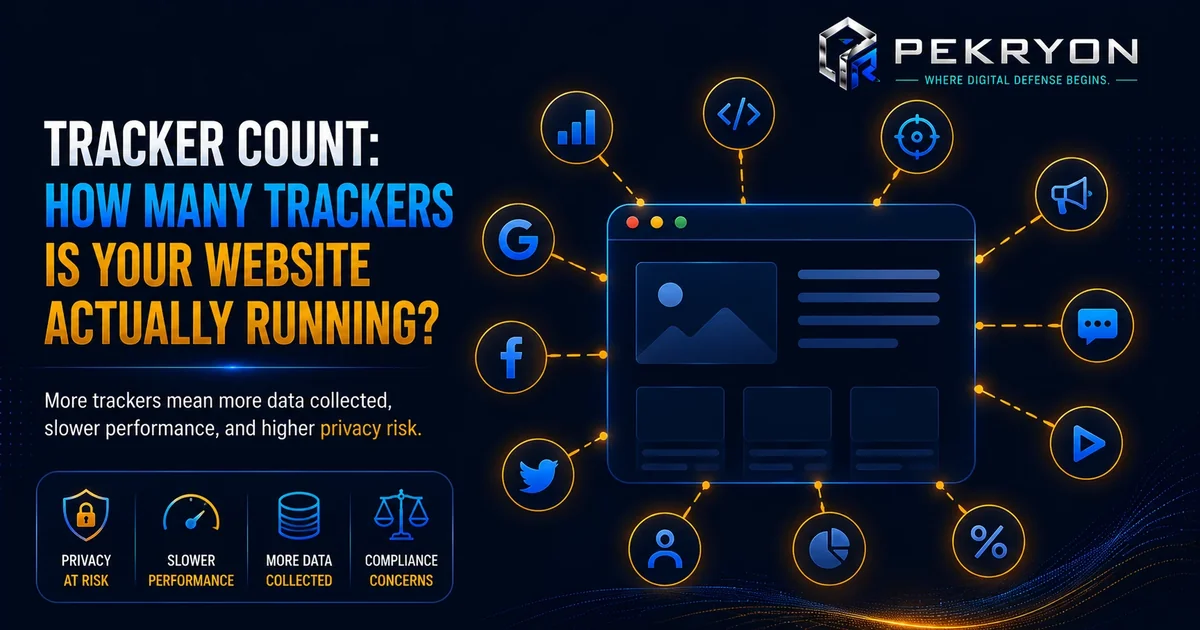
A small business owner had built a fairly simple website over the past couple of years. Along the way, they added a few useful things — an analytics tool to see how many people were visiting, a chat widget for customer questions, a couple of social media share buttons, an embedded video player, and later, an advertising tool to promote a seasonal sale.
Each addition felt small and harmless on its own. The website still looked clean, and everything worked as expected.
One day, a curious visitor who worked in web development mentioned, almost casually, "Did you know your website is running twelve different trackers in the background?" The business owner had no idea what that number even meant, or where it had quietly come from.
Nothing had been intentionally hidden. It had simply added up, one small, convenient tool at a time.
Let's understand what it really means.
What Is Tracker Count?
Tracker count refers to the total number of tracking tools, often called trackers or third-party scripts, that are actively running in the background of a website. Trackers are small pieces of code, usually added by outside services like analytics platforms, advertising networks, social media buttons, or chat widgets, that collect information about visitors — things like pages viewed, time spent, clicks, device type, or browsing behaviour across other websites too.
Think of it like inviting several different delivery services into your home to drop off packages. Each one, individually, seems reasonable and useful. But if you're not keeping track, you might not realise exactly how many different companies now have a key to your front door, quietly coming and going whenever they please.
Why Should You Care About This?
- Website performance — every tracker adds extra code that needs to load, which can slow down your website, especially if several trackers are running at once.
- Visitor privacy — a high tracker count often means more information is being collected about visitors, sometimes shared with multiple outside companies, which can affect visitor trust if not handled transparently.
- Consent and compliance — many of these trackers fall under the same rules that require proper cookie consent, so a high, unmanaged tracker count can create gaps in privacy compliance without the owner realising it.
- Unnecessary clutter — over time, some trackers get added for a specific purpose and then simply forgotten, even after they're no longer needed, quietly continuing to run regardless.
Where Do You See This in Daily Life?
- Noticing a website feels slower to load than expected, even though the visible content looks fairly simple
- Seeing surprisingly specific ads follow you across different websites after browsing a particular product once
- Being asked to accept a long list of different tracking categories in a detailed cookie consent banner
- A browser's built-in privacy tools showing a small icon indicating how many trackers were blocked or detected on a page
How Does It Actually Work?
Every time a new tool is added to a website — an analytics platform, an advertising pixel, a social media widget, a chat tool, an embedded video — it often brings its own small piece of tracking code along with it. Each of these pieces typically counts as one tracker. Over time, as more tools are added for different purposes, the total tracker count naturally grows, often without anyone specifically monitoring the running total.
Here's an important nuance worth understanding clearly: not all trackers are equally intrusive, and a higher number doesn't automatically mean something is wrong. Some trackers, like basic analytics tools, collect fairly limited, aggregated information mainly to help a website owner understand traffic patterns. Others, particularly certain advertising and cross-site tracking tools, can collect more detailed behavioural information and share it more broadly. Beginners often assume "fewer is always better" as an absolute rule, but the more accurate takeaway is that each tracker should be intentional and understood, rather than simply minimised at all costs without knowing what it actually does.
Common Examples
- A simple blog uses only one analytics tool and no advertising scripts, resulting in a low, clearly understood tracker count.
- An online store uses several tools — analytics, advertising, a chat widget, and social sharing buttons — resulting in a moderate tracker count, but each one serves a clear, understood purpose.
- A website that has added many tools over the years without ever reviewing or removing outdated ones ends up with an unexpectedly high tracker count, including some tools that are no longer even actively used.
Benefits of Knowing Your Website's Tracker Count
- Helps you understand what's genuinely running in the background of your own website
- Supports better website performance by identifying unnecessary or outdated trackers
- Improves transparency and trust with visitors, especially when paired with a clear cookie consent setup
- Makes it easier to review and clean up tools that are no longer needed or understood
Risks or Limitations to Understand
- Tracker count alone doesn't tell you how intrusive or sensitive each individual tracker is — some analysis of what each tracker actually does is still needed
- Removing a tracker without understanding its purpose can accidentally break a feature you still rely on, like analytics reporting or a working chat widget
- A low tracker count doesn't automatically mean a website is fully privacy-friendly, since even a small number of trackers can be highly detailed in what they collect
- This count reflects what's currently active — it doesn't automatically reflect whether proper consent has been correctly requested for each one
Common Mistakes Beginners Make
- Adding new tools over time without ever reviewing the growing list of trackers already in place
- Assuming a lower tracker count is always automatically better, without understanding what each individual tracker actually does
- Forgetting to remove trackers tied to tools or campaigns that are no longer in use
- Not connecting tracker count to consent requirements, leaving a gap between what's running and what visitors have actually agreed to
Beginner Tips
- Periodically review your website's active trackers, rather than assuming everything added over time is still necessary.
- Understand what each tracker actually does before deciding whether to keep, adjust, or remove it.
- Remove trackers tied to unused tools or old campaigns, since these often continue running unnoticed long after their purpose has ended.
- Pair this review with your cookie consent setup, making sure visitors are properly informed about what's actually running.
- Check your website's current tracker count occasionally, rather than waiting until someone points it out to you.
Manual Check Guide: How to Check This Yourself
- Open your website in a browser that has built-in privacy tracking indicators, or install a well-known, free browser privacy extension designed to show detected trackers per page.
- Visit your homepage and check the browser's privacy icon or extension panel, usually found near the address bar.
- Click on it to see a list of detected trackers, often grouped by category, like advertising, analytics, or social media.
- Note the total number shown, along with which specific tools appear on the list.
- Repeat this on a couple of other important pages, like your contact or product pages, since tracker counts can vary slightly between pages.
- Compare the list against the tools you remember intentionally adding, and flag anything unfamiliar for further review.
This check takes just a few minutes and gives a clear, visual sense of what's actually running on your site.
Frequently Asked Questions
1. What is tracker count? It's the total number of tracking tools, or third-party scripts, actively running in the background of a website, often added through tools like analytics, advertising, or chat widgets.
2. Is a high tracker count always bad? Not automatically. What matters more is whether each tracker is intentional, understood, and properly disclosed to visitors, rather than the number alone.
3. Why does tracker count affect website speed? Each tracker adds extra code that needs to load when a visitor opens a page, and having many active at once can slow down overall loading time.
4. How do trackers usually end up on a website without the owner noticing? They're often added automatically alongside other tools, like analytics platforms, advertising pixels, or embedded widgets, without being tracked as a running total over time.
5. Does tracker count relate to cookie consent requirements? Yes. Many trackers fall under the same rules requiring proper visitor consent, so understanding your tracker count helps ensure your consent setup genuinely covers what's actually running.
6. Can removing a tracker break something on my website? Yes, if it's tied to an active feature like analytics reporting or a chat tool. It's important to understand what a tracker does before removing it.
7. How can I check how many trackers my website is currently running? You can use browser-based privacy tools that show detected trackers per page, or a website scanning tool that reports your overall tracker count along with other details.
8. Should I aim for zero trackers on my website? Not necessarily. Some trackers, like basic analytics, are genuinely useful. The goal is intentional, understood use, rather than eliminating every tracker entirely.
Conclusion
The surprise of discovering a much higher tracker count than expected shows how easily small, individually reasonable additions can quietly add up over time, without anyone specifically keeping track.
This is a simple thing to check and manage once you know to look for it. A periodic review of what's actually running, paired with clear visitor consent, goes a long way toward keeping your website both efficient and transparent.
If you'd like to see how many trackers your own website is currently running, you can run a quick, free check at pekryon.com and review this along with other technical details about your site.