Imagine waking up one morning to messages from customers asking why your website isn't loading. Nothing was hacked. No server crashed. You simply forgot to renew something — your domain name.
It sounds like a small oversight. But what actually happens next can surprise a lot of website owners.
Let's understand what it really means.
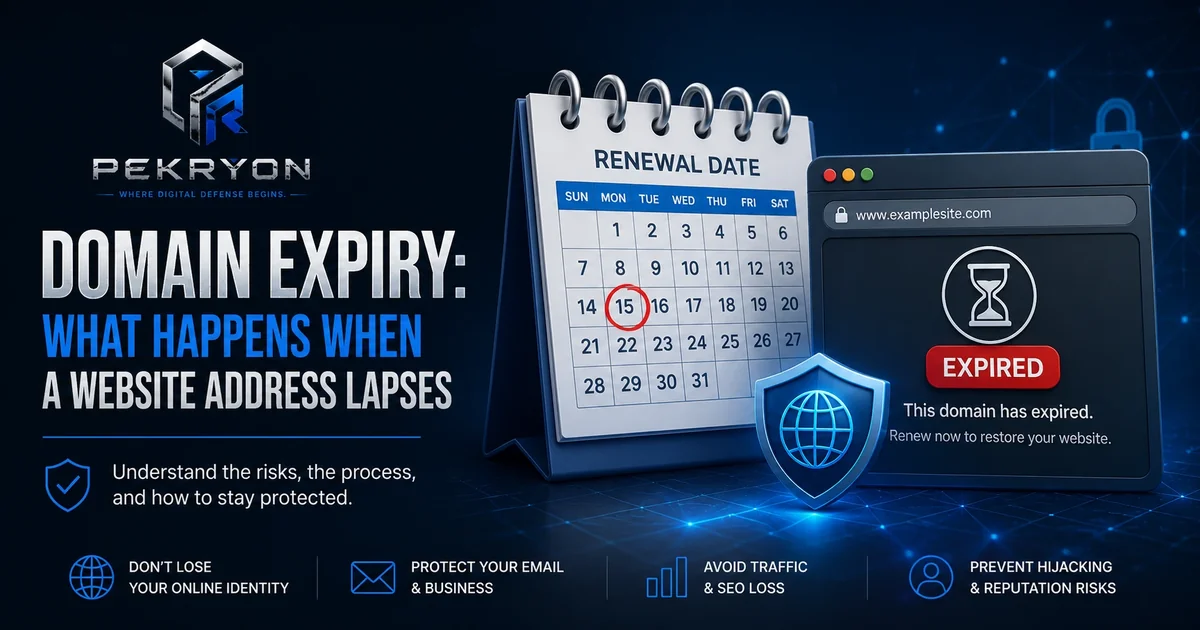
What is domain expiry?
Every domain name — like examplesite.com — isn't owned forever with a single purchase. It's actually rented for a fixed period, usually one to ten years at a time, from a company called a domain registrar. When that period ends, the domain "expires" unless it's renewed.
Domain expiry simply means that rental period has run out. What happens next depends on how quickly the owner notices and acts.
Think of it like renting an apartment. If you stop paying rent, you don't lose the apartment instantly — there's usually a grace period first. But if you ignore it long enough, someone else can eventually move in.
Why should you care?
If you own a website, domain expiry is one of the simplest, most avoidable ways to lose control of your online presence — yet it happens surprisingly often, usually due to an outdated payment card or a missed reminder email. If you're just a visitor, understanding this helps you recognize why a website you used to visit regularly might suddenly disappear or start behaving strangely.
Where do you see it in daily life?
- A website that suddenly stops loading, showing a registrar's placeholder page instead
- A business's email suddenly stops working, since email often depends on the same domain
- A once-familiar website address later showing unrelated or spammy content
- Renewal reminder emails from domain registrars, often overlooked as "just another email"
How does it work?
When a domain isn't renewed by its expiry date, it typically enters a short grace period, often around 30 days, where the original owner can still renew it, sometimes with a late fee. If it's still not renewed, it may enter a further "redemption period," where renewal becomes possible but more expensive.
If the domain still isn't renewed after all these stages, it eventually becomes available for anyone to register again — including people who specifically watch for valuable expired domains to purchase them the moment they become available.
Common examples
- A small business forgetting to update an expired payment card linked to auto-renewal
- A personal blog domain lapsing because the owner moved on and stopped checking related emails
- A company losing its domain to another buyer after failing to renew, forcing them to either negotiate a costly buyback or switch to a new domain entirely
- A domain expiring and later being reused by someone else for spam or scam purposes, since the address may still carry some old trust or backlinks
Benefits
Understanding domain expiry helps website owners build simple habits — like enabling auto-renewal or keeping registrar contact details updated — that completely prevent this problem. It also helps regular visitors understand why a trusted website might suddenly behave differently if its domain has changed hands.
Risks or limitations
Here's an important nuance: domain expiry isn't just an inconvenience — it can also be a security concern.
Most cases are simple oversights, quickly fixed within the grace period. But a well-known exception is when a domain is never renewed at all and becomes available again. If that domain had any existing trust — like backlinks from other websites, an established email reputation, or lingering user trust from its previous purpose — a new owner can potentially use that leftover trust for something unrelated, including spam or scams. This is sometimes called "domain drop-catching" when done deliberately by opportunistic buyers watching for valuable expired domains.
So the full picture looks like this:
| Stage | What typically happens |
|---|---|
| Grace period (right after expiry) | Original owner can usually still renew, sometimes with a late fee |
| Redemption period | Renewal is still possible but often more expensive and complex |
| Fully released | Domain becomes available to anyone; original owner has no special claim anymore |
Common mistakes beginners make
- Assuming a domain is a one-time purchase rather than something that needs regular renewal
- Not updating the payment card linked to auto-renewal, causing silent renewal failures
- Ignoring renewal reminder emails, assuming they're spam or not urgent
- Not realizing that email service often depends on the same domain, so expiry can break more than just the website
Tips or best practices
- Turn on auto-renewal wherever your domain is registered, and make sure the linked payment method stays valid
- Keep your registrar account's contact email updated and actually check it, since renewal reminders go there
- Set a personal calendar reminder a month before your domain's expiry date, as a backup to auto-renewal
- If you ever plan to let a domain go intentionally, consider whether it carries lingering trust or traffic that could be misused by a future owner
If you're ever curious about your own website's domain status and other reputation signals, the scanner at pekryon.com can help you check this as part of a wider website report.